
To start an automation from the API trigger step, you need to:
- Define and get approval for the template you want to send.
- Create an automation with an API Trigger:
Go to Automations > New > Trigger > Integrations > API.
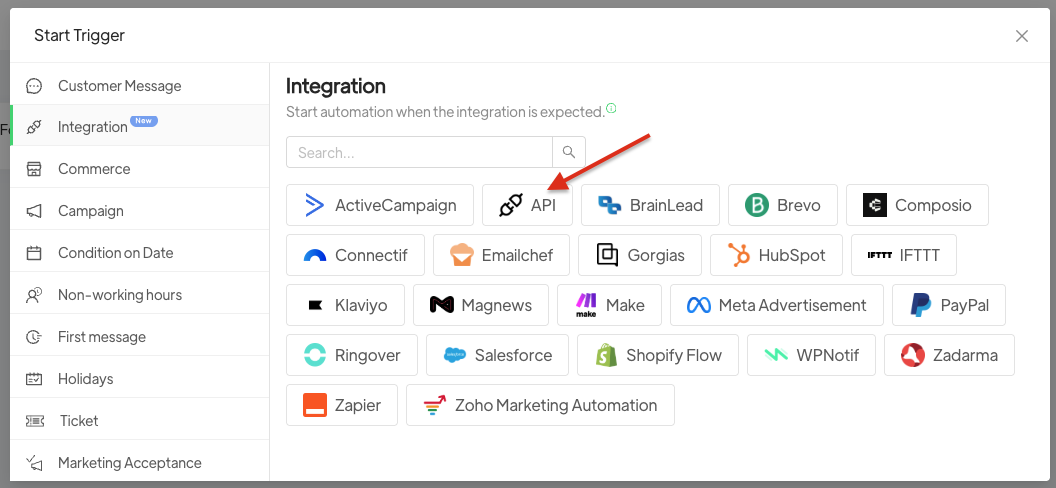
A panel will open with the information to be inserted into the API. For full details on how to set up the APIs, you can consult the following documentation: API Documentation.
If the API calls a form, for each field in the form you will need to create a dynamic field in Spoki so that the API can update the contact’s information.
By clicking the + button, you can select the template to send to contacts and configure all the other actions you want.





