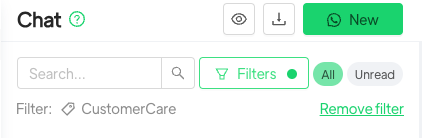
You can filter chats based on previously assigned tags, the agents they are assigned to, the lists the contacts belong to, and the tickets assigned to them.
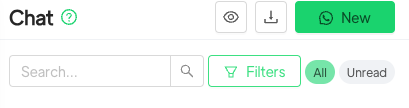
To apply a filter, simply click the “Filters” button at the top, above the chat list, next to the search field.
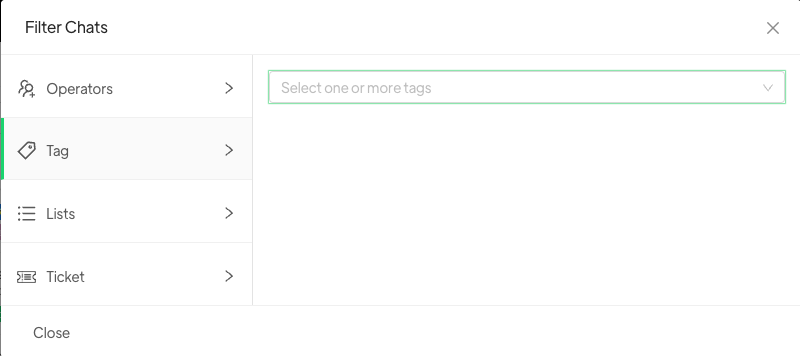
Once clicked, a window will open allowing you to select the tags, agents, lists, and tickets you want to use to filter your chats. You can select one or more agents, tags, lists, or tickets. By selecting filters from different categories, you will see, for example, both contacts with a specific tag and those belonging to a specific list.
If you navigate to a different section of the platform, the filter will remain applied. To remove applied filters, simply click Remove Filter at the bottom right.