
With Spoki you can track messages in response to a message sent through an automation.
Access the Automations section, create a New one, and by clicking the +, add the first step to send a template message.
Next, add Customers Response so that the customer’s response is tracked in the automation.
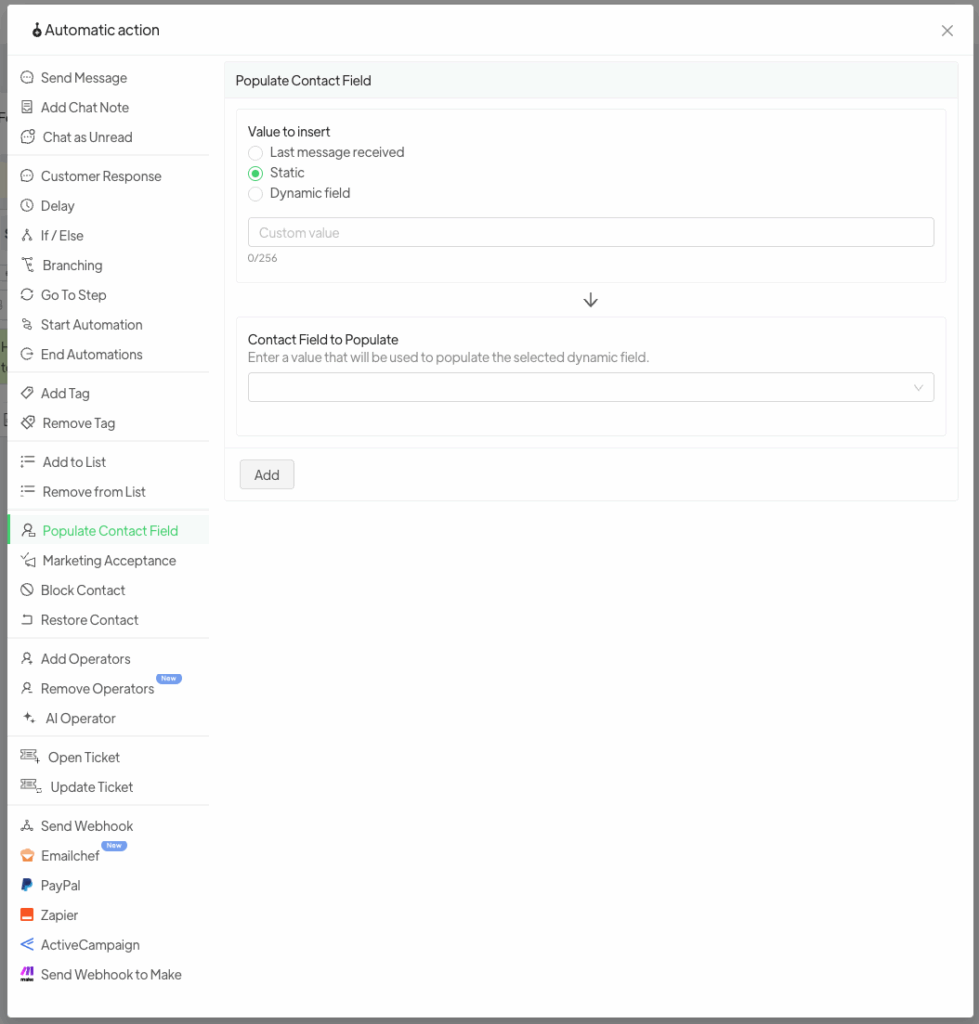
The next step is the “Populate Dynamic Field” step: this feature allows you to save within a dynamic field (created specifically to save customer responses-Dynamic Field) the contacts’ response upon sending a message.
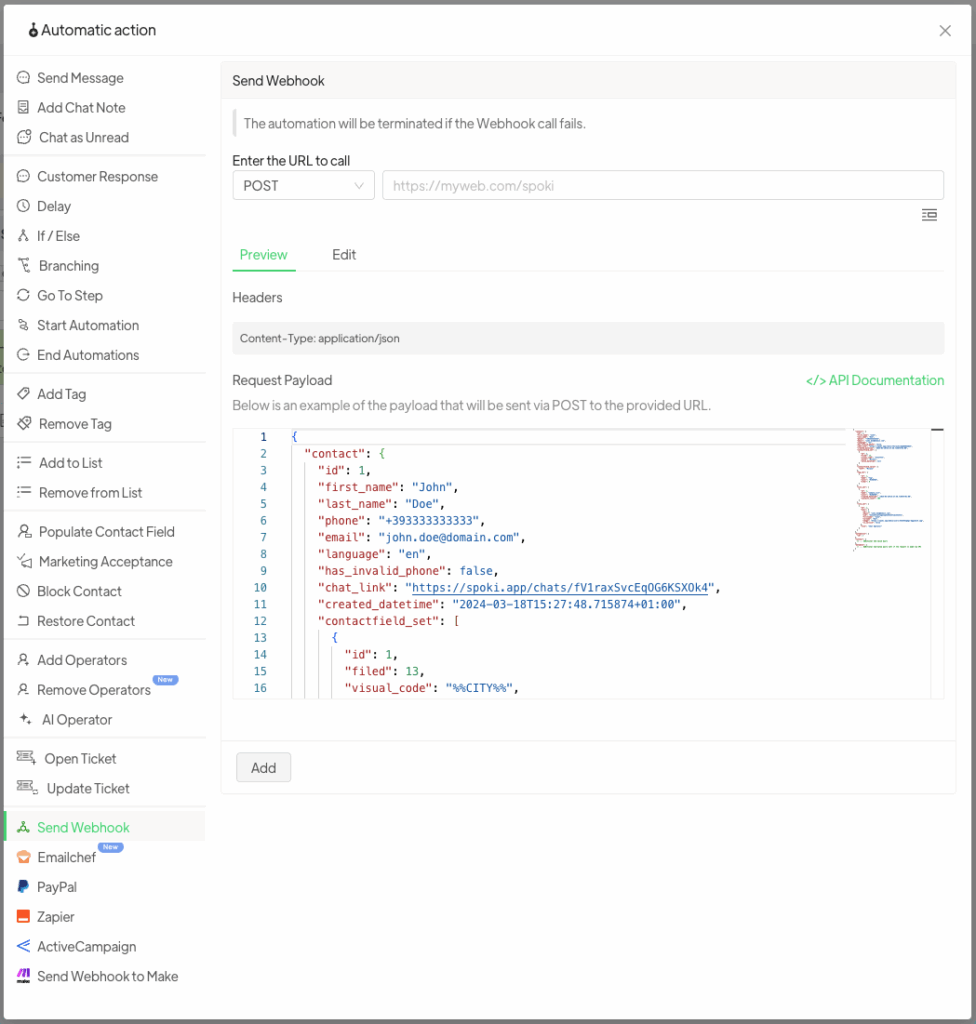
Finally, set the Send Webhook step by indicating where you intend to report the contact information and the response given, outside of Spoki.
Warning. Spoki will only record in the dynamic field the first response given by the client, so if you want to track any multiple messages you need to reiterate the last steps starting with “Any response.”





