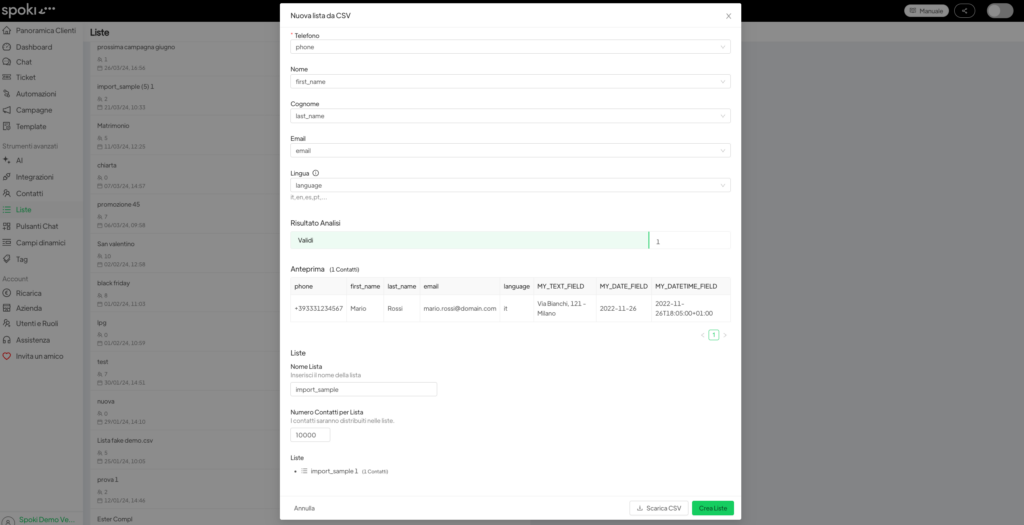
It is possible to create lists directly after cleaning the CSV, greatly simplifying the data management process.
- Go to Lists from the platform menu
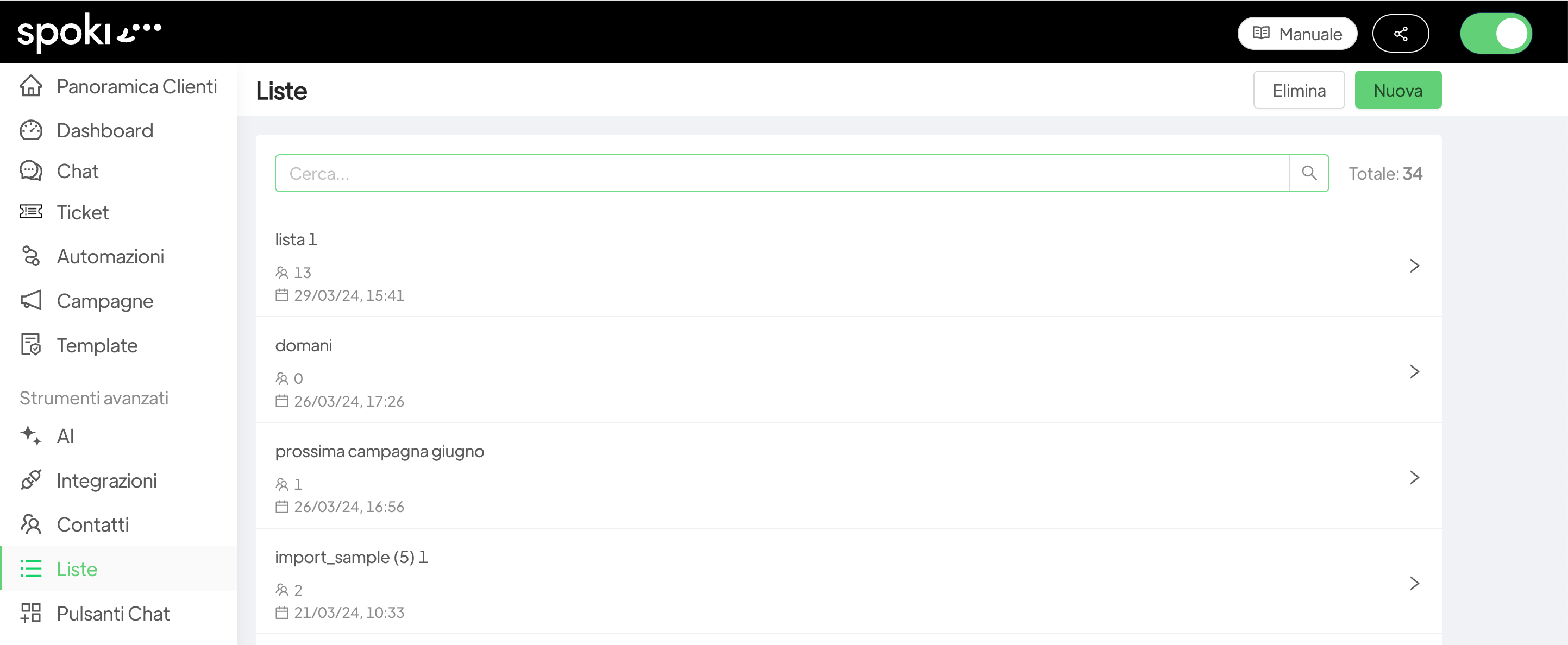
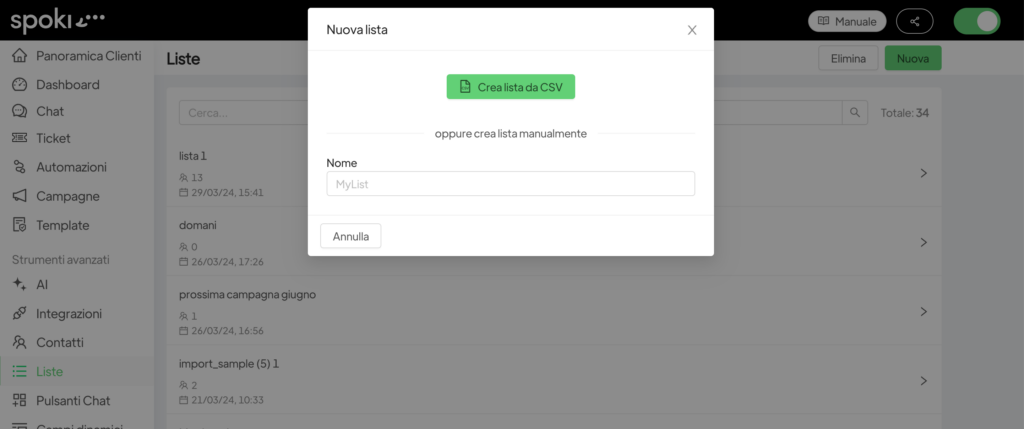
- Click on New in the top right-hand corner and Create list from CSV
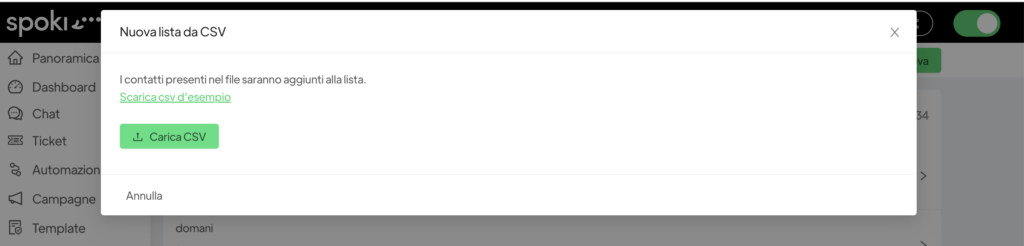
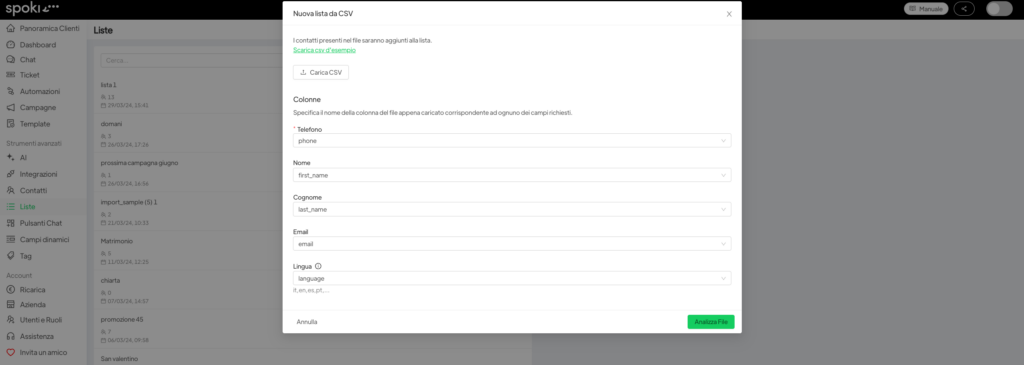
- Click on Upload CSV where you will insert the previously cleaned document.
- When uploading the cleaned CSV, you will have to select the reference fields relating to the selected document and click on Analyse File.
- Spoki will then analyse the contacts and give you the option of dividing them into different lists.