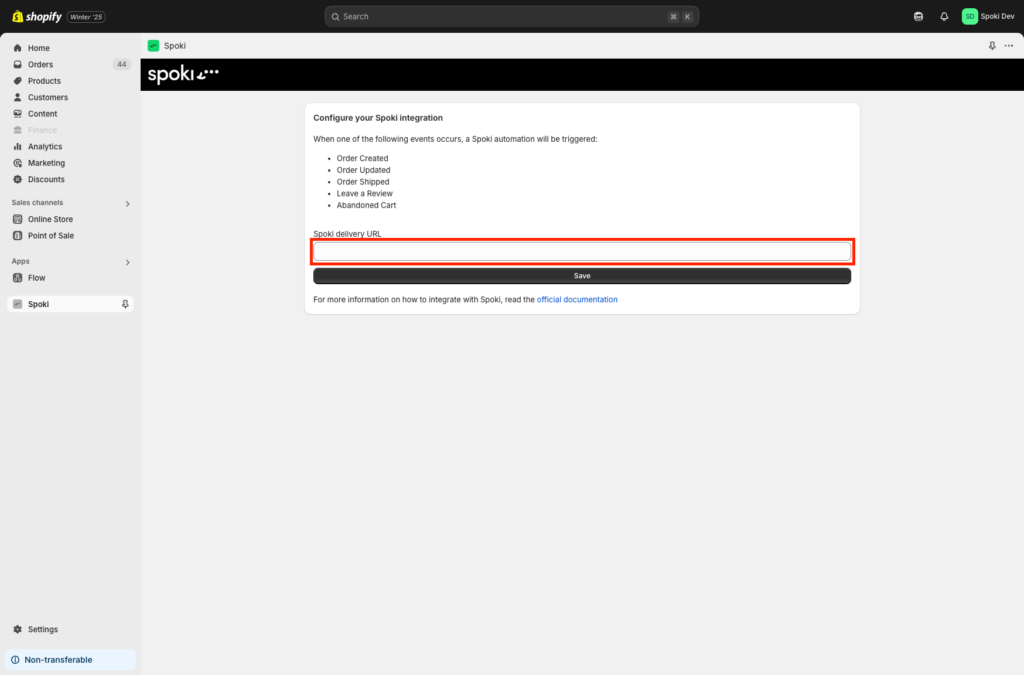
Thanks to this integration, you will be able to launch a Spoki automation within Shopify.
Integration Guide #
If you haven’t done so yet, log in to the Spoki platform at this link: Spoki
1. Spoki Integration #
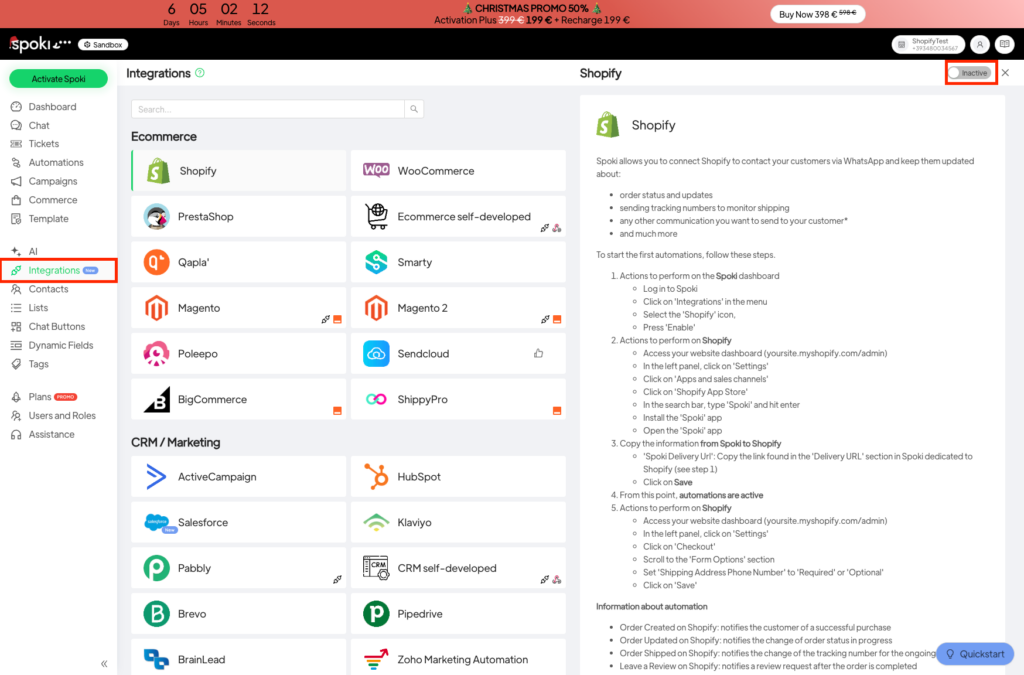
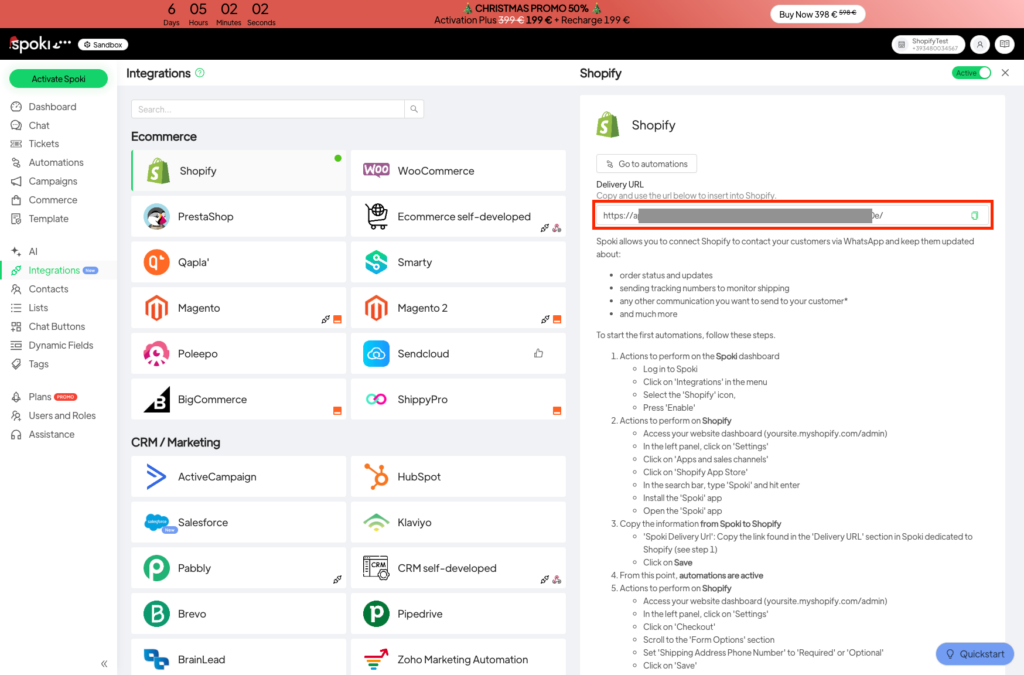
Go to the Integrations section within Spoki and activate the Shopify integration. Once done, copy the Delivery URL as you will need it for the configuration within the Spoki app on Shopify.
Now, move to Shopify. In the configuration dashboard of the Spoki app, paste the value you just copied and click Save.