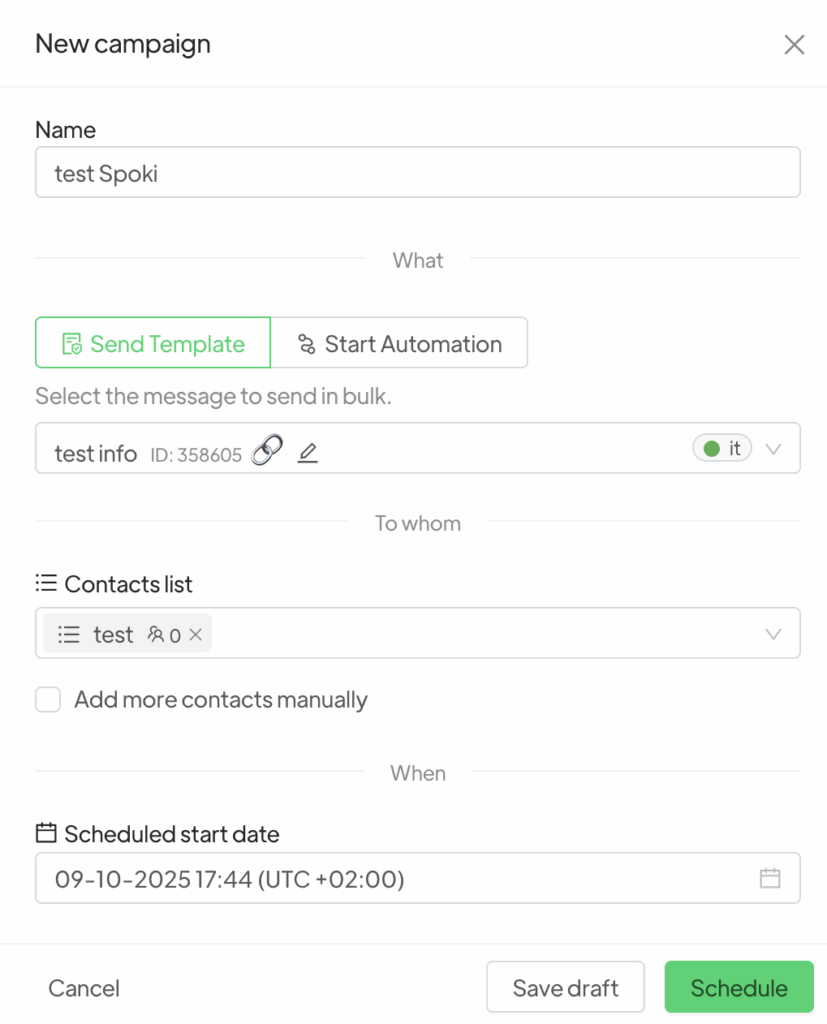
To create an automation consisting of a single step that sends a Template message, navigate to the Campaigns >> New.
You will be prompted to choose between Empty and Generate with AI.
Once your selection is made, in the New Campaign window, below the Name field, you will have the option to choose between Send Template and Start Automation.
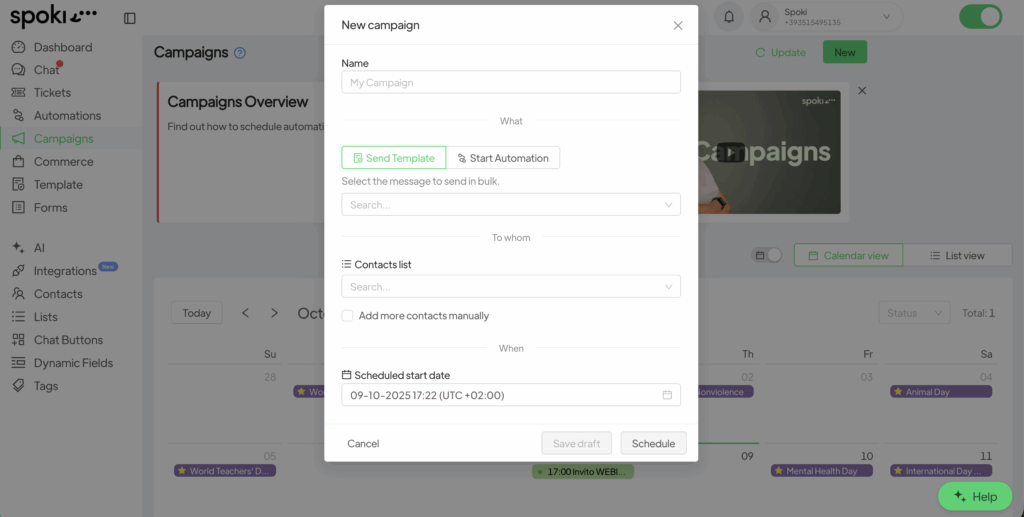
By selecting Send Template, a pop-up window will appear allowing you to choose from the templates previously created and select one.
Spoki will then generate a campaign that consists solely of sending the selected template.
Now, you will only need to fill in the required fields to schedule the campaign delivery.