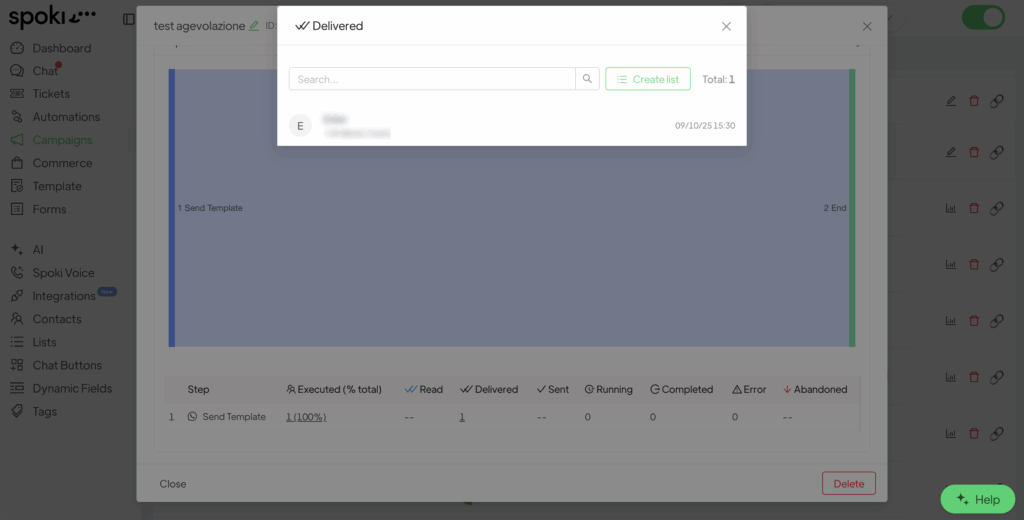
It is possible to create a list directly from the campaign statistics.
- Go to Campaigns > select the List view.
Search for the desired campaign and click on Statistics.

- Scroll down and go to the Step section: you can choose from which step to create a list.
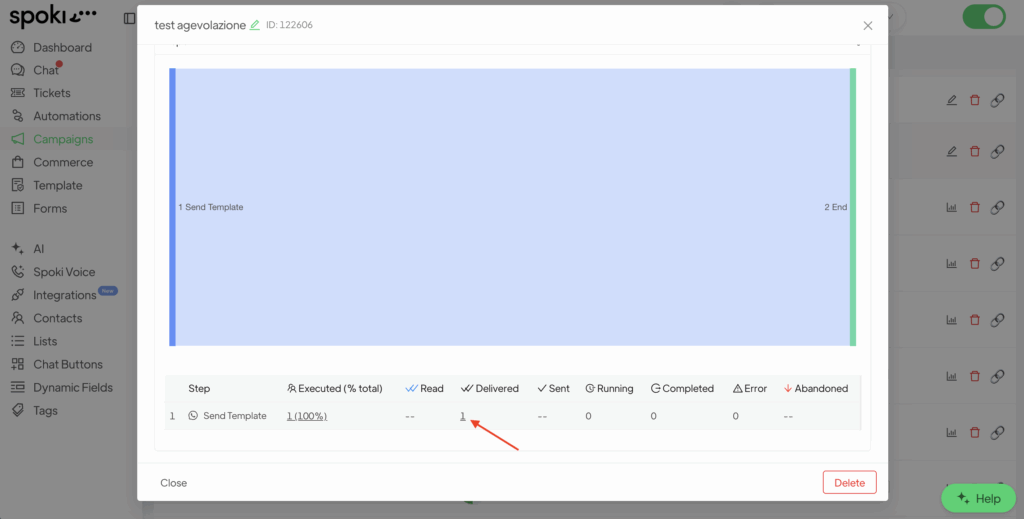
- Click on the relevant section to view the list of contacts reached. Then, click on Create List.